
Can your PC run it?
You need 64-bit Windows 10 or 11 and a dedicated graphics card that supports Vulkan 1.3 with at least 4 GB of VRAM. The Find The Needle Steam page (external site) says integrated graphics are not supported and may crash.
| Part | Minimum | Recommended |
|---|---|---|
| OS | Windows 10 64-bit | Windows 11 64-bit |
| CPU | 4 cores / 8 threads: Intel i5-8400 or Ryzen 5 2600 | 6+ cores: Ryzen 5 5600 or Intel i5-12400 |
| Memory | 8 GB RAM | 16 GB RAM |
| GPU | Dedicated, Vulkan 1.3, 4 GB VRAM: GTX 1050 Ti or RX 570 | GTX 1660 Super or RTX 2060, 6 GB VRAM |
| Storage | 2 GB | 2 GB |
Graphics card and Vulkan 1.3
The GPU line is the one most likely to rule a PC out. Laptops often run games on the integrated chip by default, even when a dedicated GPU is present. If your laptop has both, make sure the game uses the dedicated one. The steps are in the crash and black screen guide.
To check Vulkan 1.3 support, look up your card on the GPU maker's website and install the latest driver. The listed minimum cards, GTX 1050 Ti and RX 570, give a rough idea of the level needed.
Meeting these requirements does not guarantee the demo will be stable. In October 2026, players also report black screens and driver timeouts on dedicated AMD cards, while other AMD setups run successfully. If your hardware meets the table but the game still fails, follow the symptom-specific crash and freeze checks rather than assuming the GPU is unsupported.
Why the CPU matters later
If startup explicitly says a CPU with SSE4.2 support is required, follow the CPU-error branch before trying graphics presets. That reported launch error differs from a large factory slowing down.
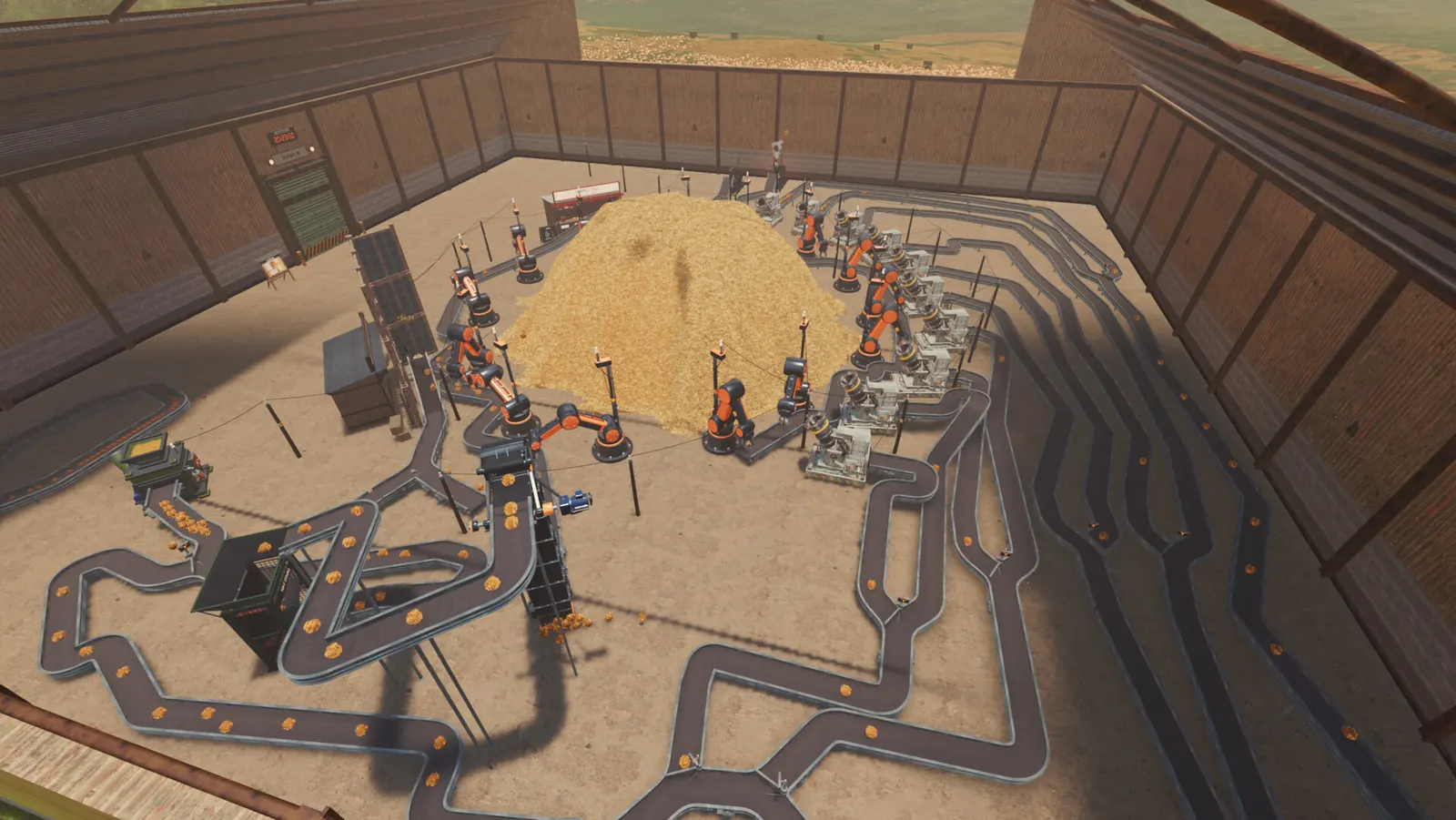
Big factories are CPU-heavy, and a faster processor keeps the frame rate up late in the game. Expect stutter once the yard holds around 500 bales; process or ship bales before they pile up.
V8 changed loose ground hay into hay tufts to improve FPS, but that patch note does not prove every loading or factory freeze is fixed. If the menu is accessible, the lower-settings comparison explains a player-suggested test and what to record; we have no tested FPS target or optimal settings preset.
Mac, Linux, Steam Deck, controllers and VR
| Question | Status |
|---|---|
| Mac or Linux | No version listed. Windows only. |
| Steam Deck | Not confirmed. No Deck compatibility rating has been announced. |
| Controller | No official controller-support feature in the checked Steam listings. Players report both earlier Steam Controller use and later input failure; keyboard and mouse remain the practical fallback. |
| PS5 / other consoles | The checked listings offer Windows only; they do not establish a console release. |
| VR | Not confirmed. Players have asked, but the Steam page lists no VR support. |
Controller stopped working after an update?
Controller support was still unreliable on October 26 (external site): an update broke some previously working layouts, and external controllers on Steam Deck can misbehave. Native controller support is not complete, so keep keyboard and mouse as a fallback.
Check whether keyboard and mouse work in the same build, then record the controller model, connection method, Steam Input layout and which actions fail. If keyboard input works, treat it as an input issue rather than reinstalling for a startup crash. We have no tested controller layout or Steam Deck performance preset to recommend.