
What changed for conveyors in V8
If you played an earlier demo build, old conveyor advice is probably out of date. According to the Demo V8 patch notes on Steam (external site), the update brought these conveyor-related changes:
- Conveyors were completely reworked. They snap much more easily and use automatic pathfinding.
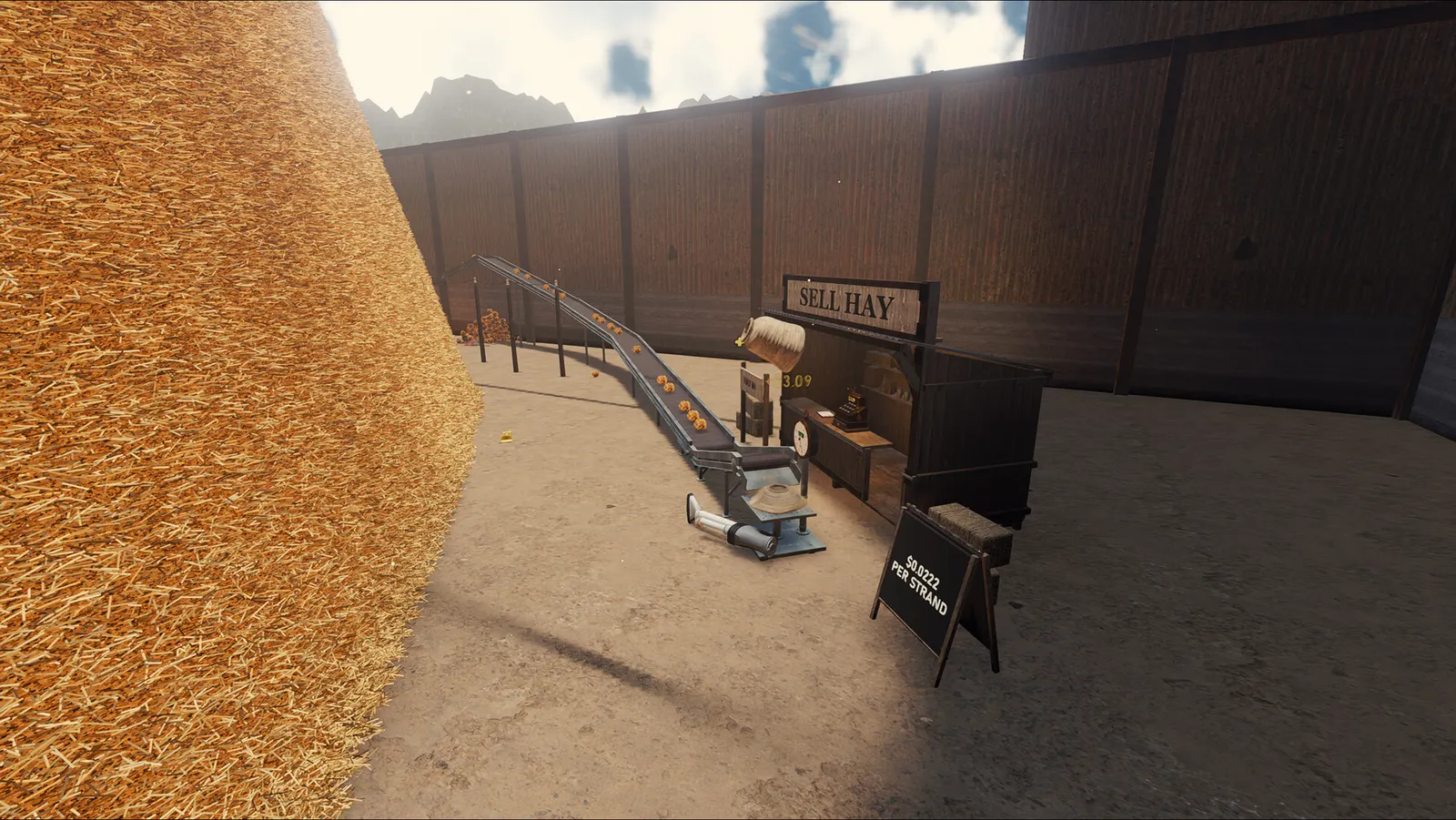
- Conveyors can now snap to the Hay Sell Stand.
- A No Snap Mode was added for free placement.
- New U-Splitter and U-Joiner pieces were added.
- Pressing E on a power pole shuts down the whole electricity network, and a warning effect shows when power drops below what your machines need.
- The Vacuum Yard costs 80% less than before.
- Loose hay now turns into hay tufts to improve FPS, and the Pellet Disc Machine shows "BRICKS" and "HAY" resource indicators.
Conveyor controls
These are the only conveyor-related keys named in the V8 notes. Other controls are not listed here until they are confirmed.
| Key | What it does |
|---|---|
| F | Toggle No Snap Mode |
| E on a power pole | Shut down the power network |
Laying a conveyor line
- Start from the machine or stand you want to feed. In V8 the belt snaps to it and finds its own path.
- If the automatic path goes somewhere you don't want, press F for No Snap Mode and place that piece by hand.
- Press F again to go back to snapping for the next connection.
- Before moving or rebuilding a powered section, press E on a power pole to turn the network off.
- End the line at the Hay Sell Stand, which conveyors can now snap to.
Tip
Watch for the power warning effect after adding machines. It appears when the network has less power than it needs, which can stop the machines your belt feeds.
Splitters and joiners
V8 adds U-Splitters and U-Joiners alongside the existing splitter and joiner types. The patch notes only say they are new; they don't explain how they differ, so this guide doesn't describe their behaviour yet.
On the Steam store screenshots, conveyor pieces sit in the Hay Lines branch of Yard Research.
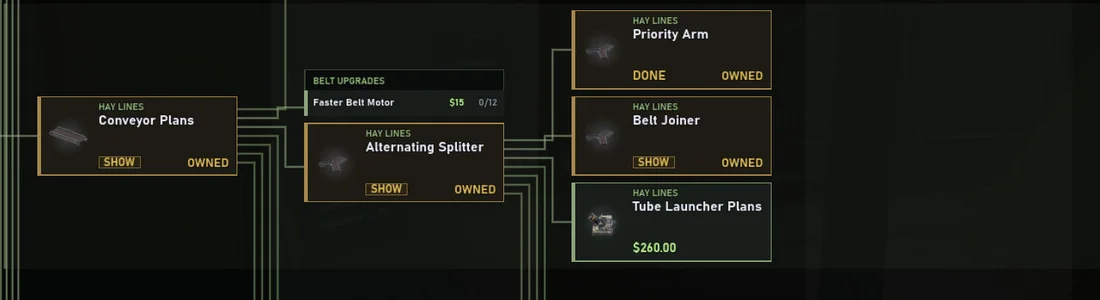
Not yet verified: splitter only sends to one side
Players on the Steam discussions report that choosing a left or right priority on a splitter needs its upgrade unlocked first, and that without it the splitter keeps sending hay one way. We haven't verified this in Demo V8 yet.
Belt backing up? Check these first
- Did you just load a save? Several players report that conveyors can disconnect from silos after loading and stop moving. Those historical reports do not establish the status of every later build. Check the affected join first; reconnecting is a diagnostic attempt, not a confirmed universal fix.
- Are you still in No Snap Mode? A belt placed freely may not be attached. Press F to switch back to snapping and reconnect it.
- Is a splitter sending everything one way? See the unverified player report above about priority upgrades.
- Did the machines lose power? Look for the low-power warning effect. If you shut the network off with E while rebuilding, turn it back on.
V66 Smart Splitter overflow or an unbalanced line
A Smart Splitter report dated October 23 (external site) explicitly identifies Demo V66: the author says overflow outlet 3 does not take hay when outlet 2 is full, and later distinguishes tufts from wads. This is one player's report, not a verified routing rule or proof that all splitters are broken.
- Check your build, splitter type, outlet settings and the actual material entering it. An older priority-upgrade report does not explain every V66 overflow failure.
- Trace each outlet to its next machine. Note whether the destination is full, the belt is disconnected, or there is visible room downstream.
- Observe the same material on each route before changing the layout. Record what is moving and what remains stuck; keep your original settings so the comparison is reversible.
- If an outlet stays idle with space downstream, capture that connection and the build for a bug report. We have no confirmed V66 fix or tested replacement ratio.
The October 23–24 balancing discussion (external site) describes backed-up feeder lines alongside hungry machines. Players propose parallel routes, but give no controlled throughput comparison. A priority setting is not evidence of a precise 2:1 split, and a screenshot is not a measured capacity guarantee.
For other materials and branches, see water connection versus supply checks and scanner coverage before sale or fuel processing.
If the whole game crashes or freezes while loading, see the crash and black screen checks.