
Scan the outgoing route, and distinguish sale from demolition
Trace hay through scanning before it branches to sale or fuel processing. If you already sold a needle inside a hay product, the developer says it returns to the pile. That explanation does not make demolishing a Silo with a waiting needle the same operation.
In a September 13 developer reply about Silo needles (external site), FindTheNeedleDev explains that wads and other hay products can contain a needle, and a product sold at the stand sends it back to the pile. The reply does not name a build or give a return position or waiting time. This is a Demo guide, not a test of the forthcoming full game.
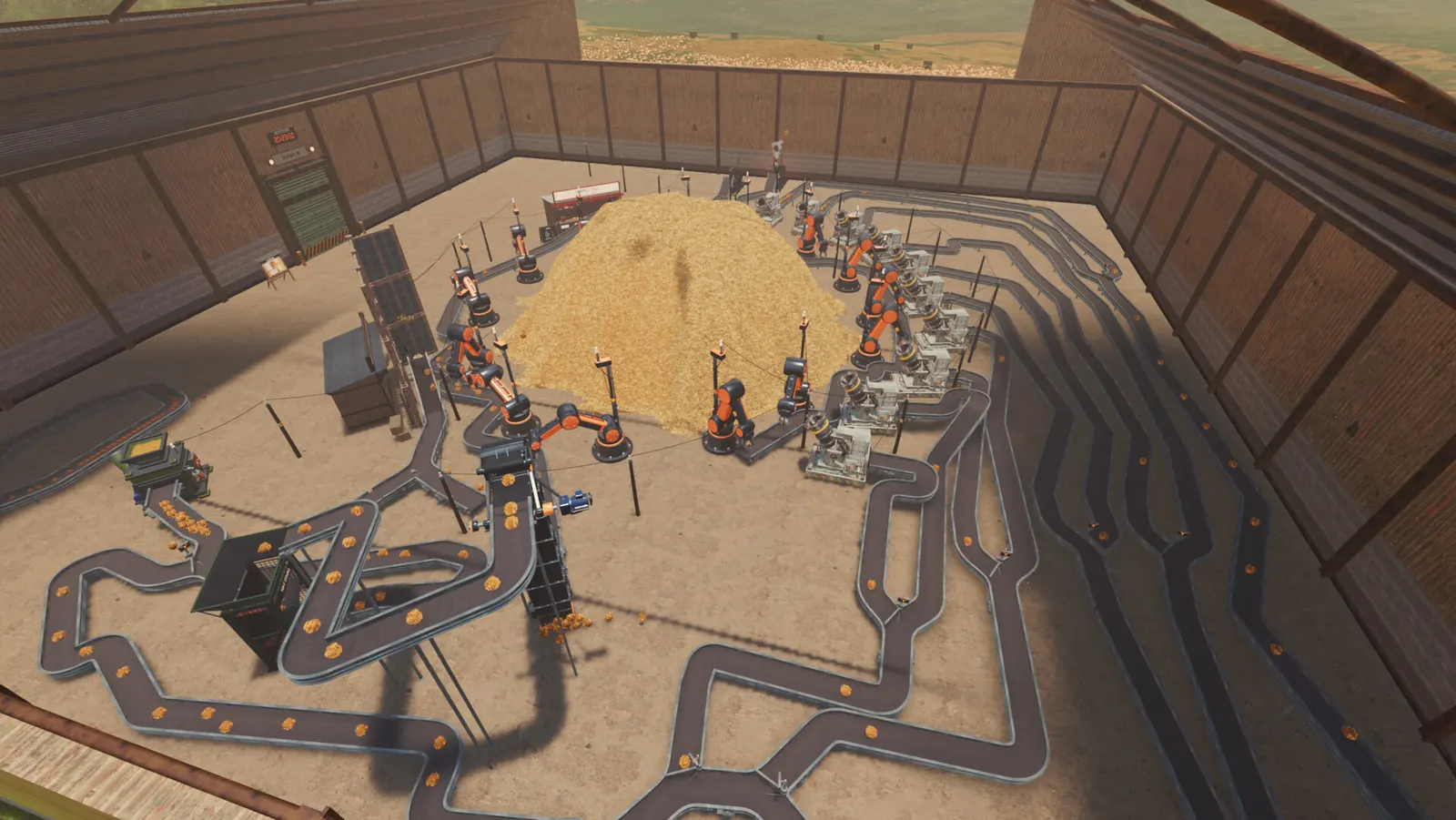
Check every path that bypasses scanning
- Start at each arm, belt or other pickup route leaving the pile. Trace its actual destination, including side branches.
- For hay you want to search, route it through your scanner before the sale or fuel branch. A scanner on one conveyor does not cover a separate arm feeding another line.
- Check whether hay reaches the scanner and whether the machine has power and is operating. Separate a stopped input from a working scanner that simply has not found a needle.
- If scanning backs up, compare incoming material with outgoing material before expanding. We have no verified scanner count, input upgrade list or fastest-product ratio for your build.
The October scanner-bottleneck discussion (external site) describes a scanner placed before furnace and sale branches. Its later replies propose throughput figures without a controlled test. Do not treat those numbers as machine specifications or a recommended ratio.
Already sold or burned a needle?
For a needle sold inside a hay product, use the developer's return-to-pile explanation above rather than assuming the run is lost. It establishes neither an immediate reappearance nor a fixed spot to search.
The community FAQ by staminaplusone, checked October 27 (external site), also says sold or burned needles return to the haystack. Its build is unspecified and the burning statement is community evidence, not a burn test by this site. Older replies disagree about permanent loss; the developer's specific sale explanation is stronger evidence for that operation, while behavior across all builds is untested here.
Record the build, product and destination before drawing a conclusion. Continue checking scanner coverage; a quiet detector or a long period without a find does not by itself prove a needle was permanently deleted. We have no verified undo procedure for an already completed sale.
The Silo says a needle is waiting but output has stopped
In the September 15 replies to the developer's Silo thread, Pric3d reports a nearly empty Silo still showing “44 Loose Straw, 1 Needle Waiting.” Turtle suggests supplying enough loose hay to form the next outgoing load, which includes the needle. This is a player-reported approach, with no build number or measured quantity to copy.
- Note the Silo's current loose-hay and needle indicators. Check whether its output actually reaches the scanner.
- If it is the reported remaining-batch situation, try supplying more loose hay and observe whether another load exits. Do not assume the exact “44” example is a threshold.
- Watch that load through the scanner and recheck the Silo's waiting count. If it remains stuck, preserve the setup and report the build and indicators.
Another player in that thread reports receiving a needle-destruction warning when demolishing Silos. Read your actual warning before removing one. The developer's statement about selling a product is not permission to assume demolition preserves the needle.
For a disconnected output, use belt and splitter checks. For a pulper stopped on a separate resource, use water-network diagnosis.
Pre-release information: the full game may differ from these Demo sources.